


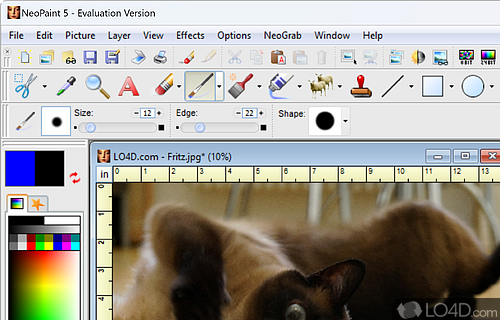
A graphics editor for Windows built to replace Windows Paint.
NeoPaint is a replacement for the program that is included with most versions of Windows (known as Paint or paint.exe). It includes the same basic design and layout of Windows Paint but includes a number of improvements, additions and tools which users find helpful.
Unlike the Paint program included with Windows, NeoPaint can perform multiple undo and redo actions and supports a multitude of different digital cameras and scanners connected to your PC.
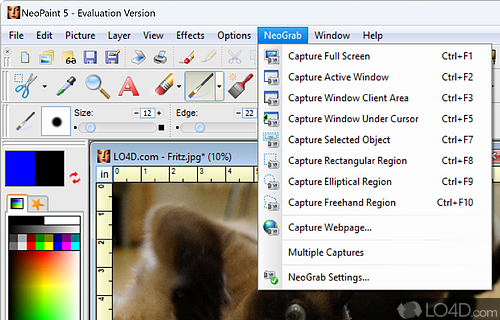
Included with the program is a handy screen capture tool, color correction tool, image retouching and can even deal with and easily create animated GIF files for the web or messenger.
Features of NeoPaint
- Animation: Create GIFs and AVI files with animations.
- Brushes: Create unique art with a wide selection of brushes.
- Color Adjustment: Change brightness, contrast and more.
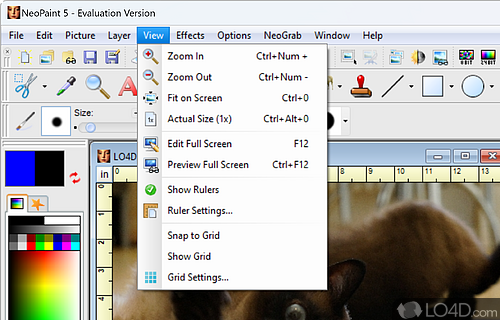
- Customizable Interface: Customize the workspace to your needs.
- Drawing Tools: Create shapes and freehand art with precision.
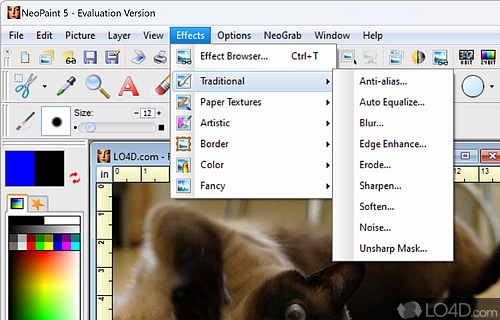
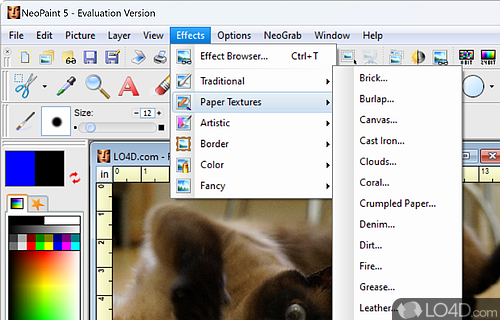
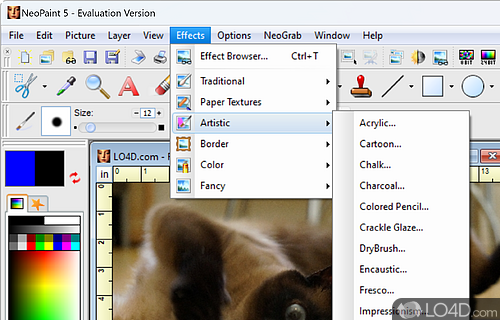
- Filters and Effects: Transform images with artistic effects.
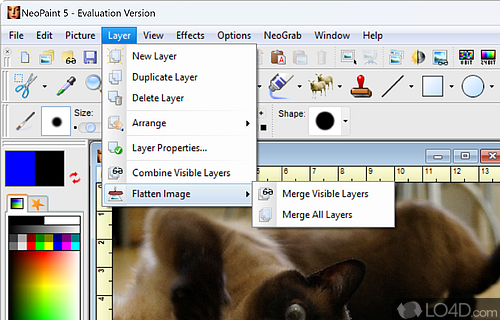
- Layers: Create, manage and merge layers with ease.
- Professional-grade: Easily create, edit and enhance photos and graphics.
- Selection Tools: Select and modify portions of images quickly.
- Sharing: Easily share images online and via email.
- Support: Open and save numerous file types, including PSD.
- Text Effects: Add text with a vast selection of fonts and styles.
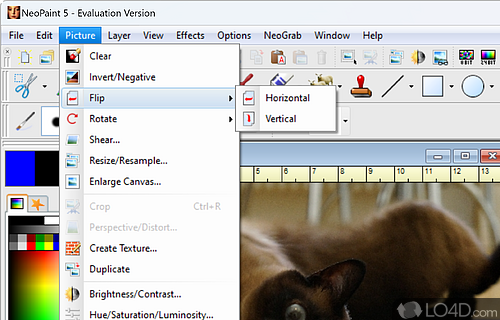
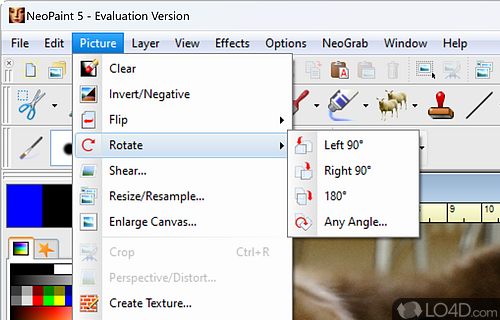
- Tools: Enhance images with tools like clone, smudge and more.
- Vector Objects: Create and modify vector objects with ease.
Compatibility and License
This download is licensed as shareware for the Windows operating system from graphics editors and can be used as a free trial until the trial period ends (after an unspecified number of days). The NeoPaint 5.3.0a demo is available to all software users as a free download with potential restrictions and is not necessarily the full version of this software.
What version of Windows can NeoPaint run on?
NeoPaint can be used on a computer running Windows 11 or Windows 10. Previous versions of the OS shouldn't be a problem with Windows 8 and Windows 7 having been tested. It runs on both 32-bit and 64-bit systems with no dedicated 64-bit download provided.
Filed under:
- NeoPaint Download
- NeoPaint 5.3
- Picture Editing Software